SEO Checklist for Beginners That Gets You Found
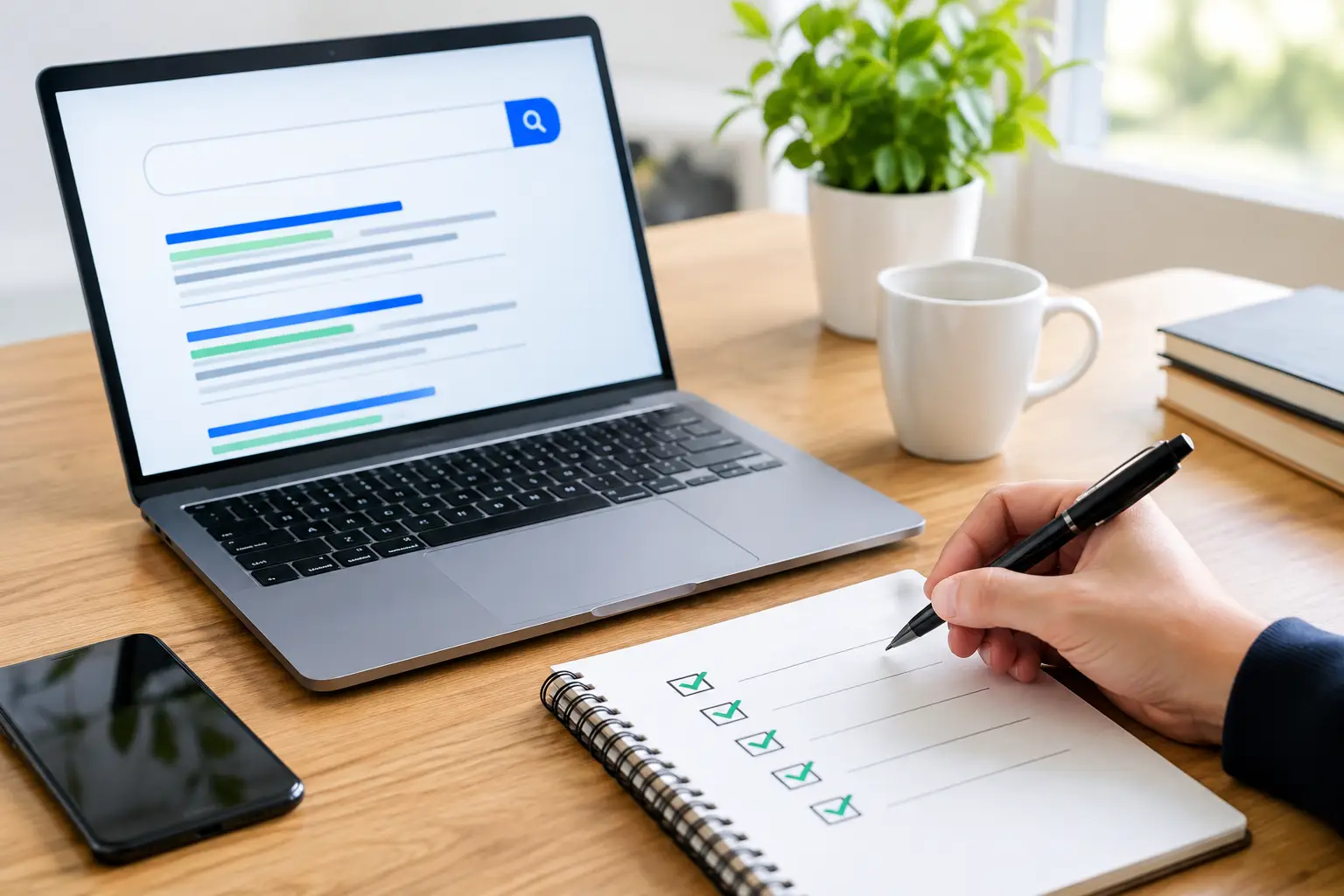
A new website can have great products, polished photos, and competitive prices yet still feel invisible in search results. Usually, the problem is not a lack of effort. It is that search engines need clearer signals about what each page offers, who it helps, and why it deserves a place in the results. This SEO checklist for beginners gives you a practical starting point without turning your store or blog into a technical project.
SEO, or search engine optimization, is the work of making your pages easier for search engines to understand and more useful for real people. It takes time. A well-optimized page may not jump to page one overnight, especially in a competitive category, but the right foundations can keep bringing qualified visitors long after you publish.
Start With One Clear Goal Per Page
Before researching a keyword or adjusting a title, decide what a page should accomplish. A product page should help someone evaluate and buy a specific item. A category page should help shoppers browse a group of related products. A blog post should answer a question or guide a reader toward a useful next step.
Trying to make one page rank for every possible topic creates vague copy and a confusing customer experience. For example, a digital budget planner product page can focus on shoppers looking for a printable or downloadable planning tool. A separate article can address how to start a monthly budget. The topics support each other, but they have different jobs.
Ask yourself: What would a visitor expect to find after searching this phrase? Then make sure your page delivers that answer quickly.
SEO Checklist for Beginners: Build the Basics First
Choose keywords with real search intent
Keywords are the words and phrases people type into a search engine. Beginners often choose broad, high-volume terms because they sound appealing. A phrase like “SEO” has enormous competition and many possible meanings. A more specific phrase such as “SEO checklist for beginners” better signals that the reader wants straightforward guidance.
Look for keywords that match your offer and your audience’s stage. Someone searching “Nike swimwear” may be ready to shop. Someone searching “how to organize a content calendar” may want advice before considering a planner or content resource. Neither intent is better. The page format needs to match it.
Use the main keyword naturally in the page title, a primary heading, the opening copy, and relevant product details. Do not repeat it so often that the writing sounds forced. Search engines are better at recognizing related language than they used to be, and shoppers can spot awkward keyword stuffing immediately.
Write titles and descriptions people want to click
Your title tag is commonly the blue clickable headline shown in search results. It should clearly name the page and give a reason to choose it. Product titles should lead with what the item is, then add meaningful details such as format, use case, size, or audience.
A meta description is the short preview text that may appear below the title. It does not guarantee rankings, but a clear description can improve the chance that the right person clicks. Focus on the benefit and expectation: what is included, who it is for, and what problem it can help solve.
Keep titles specific. “Digital Productivity Planner for Busy Adults” gives more useful context than “Best Planner.” On an ecommerce site with a rotating assortment, precise titles also help visitors know they are in the right place before they click.
Use headings to create a simple path
Headings organize a page for readers and give search engines helpful context. Use one clear main page heading, then break longer copy into logical sections. On a product page, those sections might cover features, what is included, how to use the item, and delivery details.
Do not use headings just to make text large or decorative. A heading should introduce the information that follows it. Good structure helps mobile shoppers scan faster, which matters when they are comparing options between errands, work, or family routines.
Create product copy that answers buying questions
Manufacturer-style descriptions are rarely enough. Helpful product copy explains what the customer receives and what makes the product useful. For a downloadable workbook, say whether it is printable, editable, instant access, beginner-friendly, or designed for a particular goal. For beachwear, clarify fit, material, care, and the occasions it suits.
Be accurate. Claims such as “guaranteed rankings” or “works for everyone” can hurt trust and create disappointed customers. SEO resources can provide a smart framework, but results depend on competition, consistency, website quality, and the value of the content you publish.
Add details shoppers may search for, but only when they are true. Original copy also gives search engines more to work with than copied supplier descriptions.
Make Your Site Easy to Crawl and Easy to Shop
Search engines use automated crawlers to discover pages. Visitors use menus, filters, search bars, and links. A clean site structure supports both groups.
Keep important pages reachable through your navigation or relevant category pages. If you sell a digital parenting guide, it should not live as an isolated product with no path from a family, education, or digital resources collection. Clear categories reduce friction and help shoppers discover related options.
Use readable URLs when possible. A page address based on the product name is more helpful than a random string of numbers. Avoid changing URLs without a reason. If a page address must change, use a proper redirect so existing visitors and search engines are sent to the new location instead of a dead end.
Broken links, missing pages, and confusing menus can quietly cost sales. Check your site regularly from a customer’s perspective. Can someone find a collection, open a product, understand the offer, and complete checkout without getting lost?
Prioritize mobile speed and clean images
Most shoppers browse on a phone, so mobile experience is not an extra feature. Test key pages on a smaller screen. Buttons should be easy to tap, text should be readable, and product images should load without long delays.
Large image files can slow a site down. Use high-quality images, but resize and compress them appropriately before uploading. Name image files descriptively and add alt text that explains the image for people using screen readers. “Blue floral one-piece swimsuit, front view” is useful. “Image 1234” is not.
Alt text is not a place to stack keywords. Its main job is accessibility and clear description. That customer-first approach usually supports better SEO, too.
Publish Helpful Content Around Your Products
Product pages target shoppers who are closer to buying. Helpful articles can attract people earlier in the process. A beginner may search for “how to plan weekly content,” then later decide a content calendar template would save time. A parent may look for routines that make mornings easier, then explore a family planning resource.
Choose topics that genuinely connect to your catalog and solve a practical problem. Explain the process, include realistic expectations, and make the advice easy to use. Thin articles written only to include a keyword rarely earn trust, shares, or lasting visibility.
Aim for a mix of timely and evergreen content. A summer beachwear guide may be seasonal, while a guide to organizing household spending can stay useful throughout the year. The right balance depends on your inventory and promotions.
When mentioning a relevant product, keep the recommendation natural. The article should still stand on its own as useful guidance. Readers remember stores that help first and sell with clarity.
Track What Works Before You Change Everything
SEO improvement is easier when you measure it. Set up tools that show which pages are appearing in search results, which search terms bring visitors, and where technical issues may exist. Review performance over weeks and months rather than reacting to one slow day.
Pay attention to more than rankings. A page that receives fewer visitors but leads to more purchases, email sign-ups, or downloads may be more valuable than a high-traffic page with no action. For ecommerce, the goal is qualified traffic from people likely to benefit from what you sell.
When a page underperforms, diagnose before rewriting it. The keyword may be too competitive, the search intent may not match the page, the title may be unclear, or the content may need more useful detail. Change one or two meaningful elements, give search engines time to recrawl the page, and compare the results.
Keep SEO Useful, Not Perfect
There is always another optimization to make, but perfection is not the goal. A clear, fast, trustworthy page that answers a customer’s question will outperform a page overloaded with marketing phrases and technical tricks. Start with your highest-value categories, best sellers, and most helpful resources, then build from there.
Ultimate Offering Point shoppers value convenience, practical choices, and resources that make goals feel more manageable. Treat your website the same way: make each page easy to find, easy to understand, and worth returning to. Consistent small improvements can turn search visibility into a dependable source of new customers.









Leave a comment