Digital Planner Templates That Fit Real Life
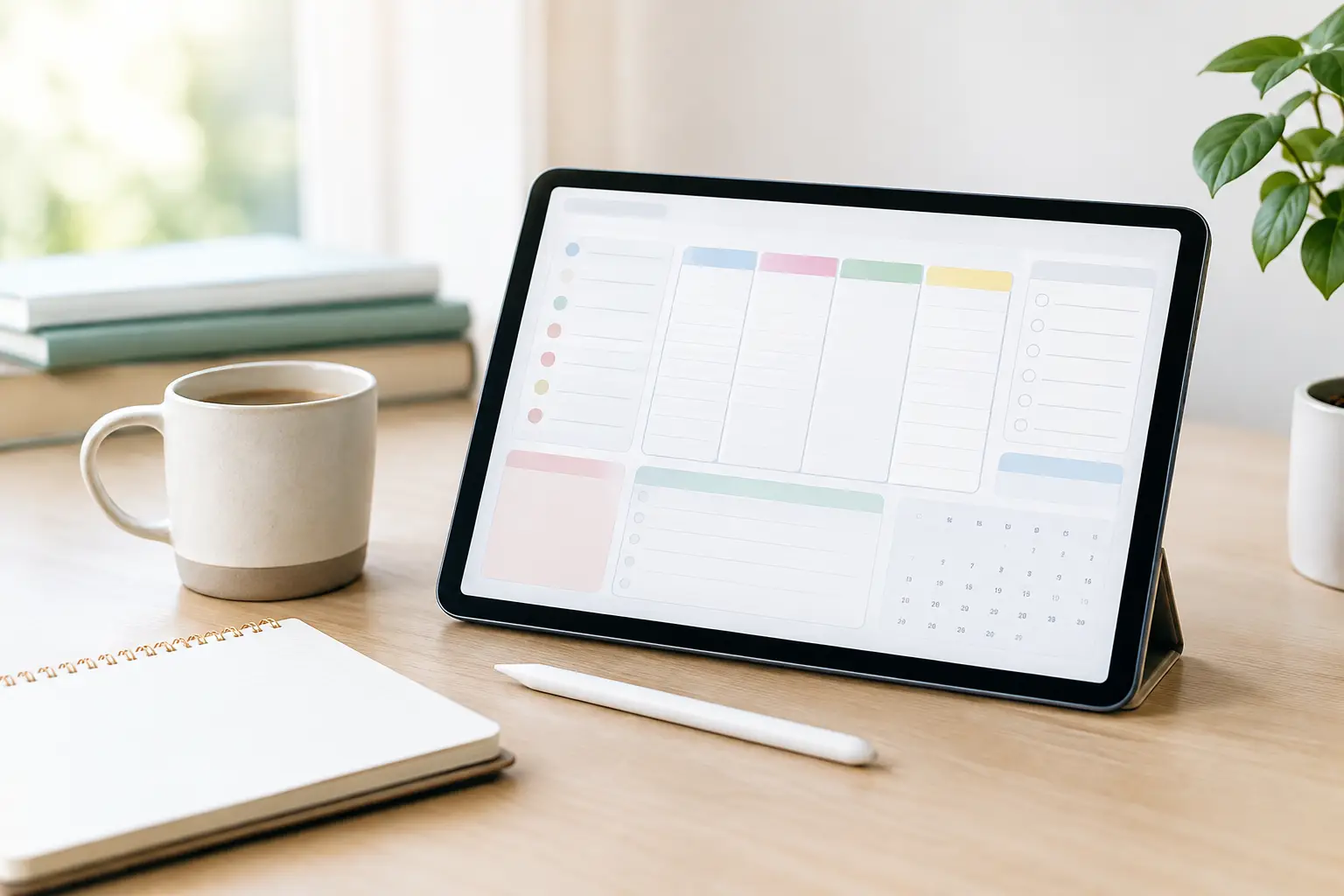
A blank calendar can look inspiring for about five minutes. Then real life arrives: appointments move, bills are due, a side project needs attention, and dinner still has to happen. Digital planner templates give those moving pieces a practical home, without requiring you to create every page, tracker, and schedule from scratch.
For busy parents, goal-setters, students, creators, and anyone trying to make better use of their time, the right planner is less about having a perfect routine. It is about seeing what matters, making a realistic plan, and returning to it when the week gets messy.
What Digital Planner Templates Actually Do
Digital planner templates are ready-made planning pages designed to be used on a tablet, computer, or compatible note-taking app. They may include daily, weekly, and monthly calendars, along with pages for goals, habit tracking, meal planning, budgets, wellness, content ideas, and more.
The biggest advantage is flexibility. Instead of filling a paper planner with dates that may no longer work, you can duplicate pages, move notes, erase mistakes, and build a system around your current priorities. A downloadable planner is ready when you are, which is especially useful when you want to start organizing today rather than wait for shipping.
Still, digital planning is not automatically better for everyone. Some people remember more when they write on paper, while others dislike opening an app just to check their schedule. A digital template works best when it makes your planning easier to keep up with, not when it adds another task to your screen time.
How to Choose Digital Planner Templates for Your Needs
Start with the problem you want your planner to solve. If your days feel crowded, a simple weekly layout with a daily priority section may be enough. If money is the source of stress, look for budgeting pages that let you track income, recurring bills, savings goals, and spending categories. If you are building a blog, online shop, or social media presence, a content calendar can help turn scattered ideas into a manageable posting schedule.
It is tempting to choose the template with the most pages. More pages do not always mean more value. A planner packed with fitness logs, reading lists, cleaning schedules, travel pages, and business trackers can be useful, but only if you will use those sections. Otherwise, a clean layout with a few relevant tools is often the smarter choice.
Think about your planning style, too. A dated planner offers structure and can make it easier to stay accountable during a specific year. An undated planner gives you more freedom because you can begin in any month and skip weeks without wasting pages. For people with changing schedules, seasonal work, or busy family routines, undated pages are often the more forgiving option.
Check Your Device and App Before You Buy
A planner template is not the same thing as a planning app. Most downloads are PDF files designed to work with note-taking apps on tablets and computers. Before purchasing, check the product details for the supported file format and any recommended apps or devices.
This small step prevents a common disappointment: buying a beautifully designed planner and realizing it does not match the way you plan. If you prefer using a laptop, choose pages that are easy to type into. If you enjoy handwriting with a stylus, look for a layout with enough writing space and clickable tabs that make navigation quick.
Also consider whether you need your planner on more than one device. Some note-taking apps sync across devices, while others work best on one platform. The right setup depends on whether you plan at your desk, on the couch, between errands, or wherever a free moment appears.
The Pages That Earn Their Place in Your Planner
A useful planner does not need to cover every area of your life. It should help you make decisions with less friction. For many people, the most valuable pages are a monthly overview for deadlines and events, a weekly spread for time blocking, and a daily page for top priorities.
Goal pages can be especially helpful when they turn a big intention into smaller actions. Rather than writing “start a side hustle” at the top of a page, break it into steps such as choosing an offer, setting a budget, creating content, and scheduling time to work on it. The planner becomes a place for action, not just motivation.
Budgeting pages serve a similar purpose. Seeing your expected expenses beside your savings target can make everyday choices clearer. You do not need a complicated financial system to benefit from tracking a few key numbers consistently.
For creators and small online sellers, content planning pages can save a surprising amount of energy. Use them to collect product ideas, outline posts, note seasonal promotions, and map out simple calls to action. A ready-to-use template helps you spend less time designing a system and more time using it.
Make Your Digital Planner Part of Your Routine
The best planner routine is short enough to repeat. A 10-minute check-in at the start of the week can be more useful than a two-hour planning session you avoid every Sunday. Review appointments, choose your top three priorities, and add a little breathing room for tasks that usually take longer than expected.
During the day, keep your planner open or easy to reach. If it is buried in a folder or requires five taps to find, you are less likely to use it. Add it to your home screen, save it in your preferred note-taking app, or create a simple reminder to review it each morning.
Avoid turning planning into a performance. Color coding, stickers, and custom covers can make the process enjoyable, but they are optional. If a plain black-and-white page helps you follow through, that is a successful planner. If a colorful layout encourages you to return to your goals, that works too.
A good rule is to plan only as far ahead as you can reasonably predict. Monthly pages are great for birthdays, due dates, and bigger goals. Weekly pages are where your actual schedule takes shape. Daily pages are where you decide what deserves your attention now.
When One Template Is Not Enough
There are times when using separate planners makes more sense. A personal planner may need space for family schedules, meals, and appointments, while a business planner needs room for customer tasks, marketing ideas, and income goals. Combining everything on one page can feel overwhelming, especially if your side hustle is growing.
On the other hand, too many separate files can create confusion. If you regularly forget which planner holds which information, consolidate. Keep one main calendar for all time-sensitive commitments, then use specialized templates for details such as budgeting, wellness, or content creation.
At Ultimate Offering Point, downloadable resources are designed for shoppers who want practical tools without a complicated setup. The goal is simple: choose a format that supports the life, project, or goal you are working on right now, then put it to use right away.
A Better Way to Start This Week
Do not wait for a new month, a new year, or a perfectly organized desk. Open one weekly page, write down your nonnegotiable commitments, and choose one task that would make the week feel lighter. That could be paying a bill, planning three meals, outlining a post, or setting aside an hour for a goal you keep postponing.
Digital planner templates work best when they reflect your real life, including the interruptions and imperfect days. Choose a design you will enjoy opening, give yourself permission to keep it simple, and let each completed page become proof that progress can be practical.









Leave a comment